The creative studio for e-commerce.
Your AI agent makes your images, your videos and your finished video ads. You pick the winners.
Start free trial
3 days free, then $29.95 every 30 days. Cancel anytime.
Works with Claude, ChatGPT and Codex
Integrated agentic video editing.
Drop your clips, songs and script into a project. Pick a style. Your AI agent cuts the dead space, adds the captions, the hook text and the music, and hands you finished ads.
Bin5 items
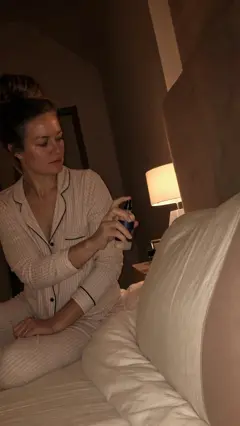 Lull0:04
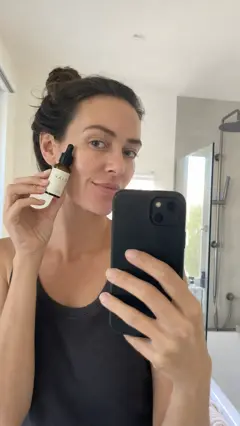 Halo0:04
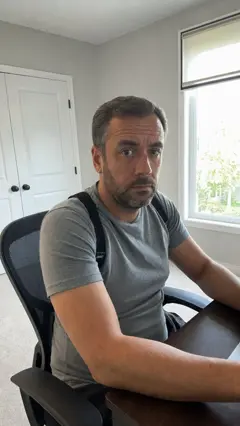 Arc0:04
Song
Script
StyleUGC
AnimatedAuthority figureDramaPodcast & Interview
SingingTalking HeadUGCVoiceover with B-rollVSL
Make one ad from each clip, captioned.
Make ads3 ads ready
Adsv1
Two sprays. I'm out.Lull
Week 3.Halo
Zero back pain.Arc
- AnimatedA cartoon or 3D world, one voice start to finish, a new picture every 2 seconds.
- Authority figureA doctor or expert names the problem, explains the cause, then recommends your product.
- DramaA movie style story. Someone gets humiliated, finds the product and gets the payoff.
- Podcast & InterviewHost and guest on mics. It cuts to whoever talks and pops the proof up on screen.
- SingingA song tells the whole story while animated scenes act out every line.
- Talking HeadOne presenter talks to the lens, with B roll, cut outs and labels on every noun.
- UGCA real looking customer films themselves on a phone. A demo, a try on, a routine or a story.
- Voiceover with B-rollOne voice over a stream of clips that each show the line being said.
- VSLA full video sales letter over B roll. Hook, story, cause, proof and offer.
Not quite right? Hit Re-edit on any ad, write a note, and you get the next version.
You ask. Your AI makes it.
- Connect your AI. Paste one line into Claude, ChatGPT or Codex. It walks you through the setup.
- Add your keys. Paste your own AI keys. You pay the providers direct, with no markups.
- Ask for what you want. Finished video ads, video clips or images. Your AI makes them right in your studio.
- Keep the winners. Download what works. Hit Re-edit or Regenerate on the rest and say what to change.
ClaudeCreate Studio connected
Make 3 statics for my sleep spray, one in each style, 4:5.
create_batch · 3 images
Done. 3 images are on your Dashboard in Lull statics.
regenerate · H1 · “hold it in a hand”
H1 is redone with the bottle in a hand.
Lull statics
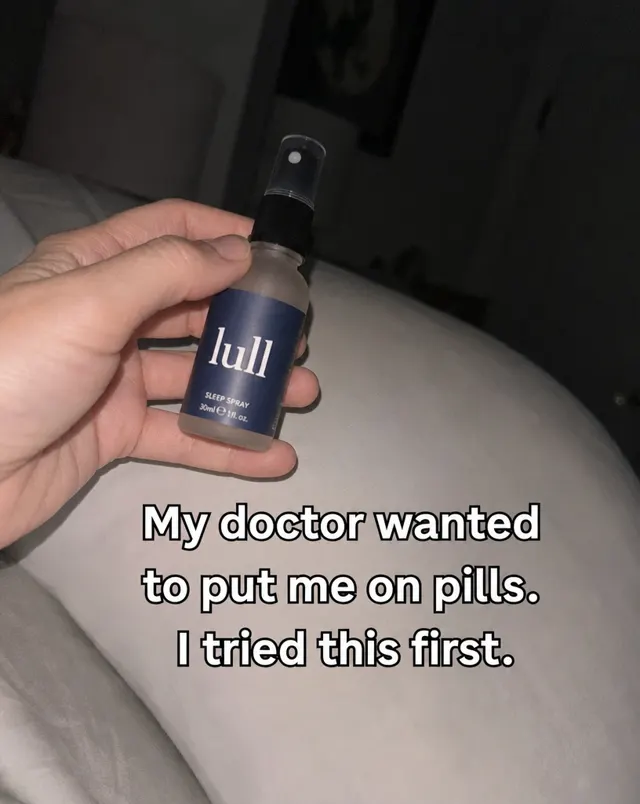
H1 r1Regenerate · hold it in a hand
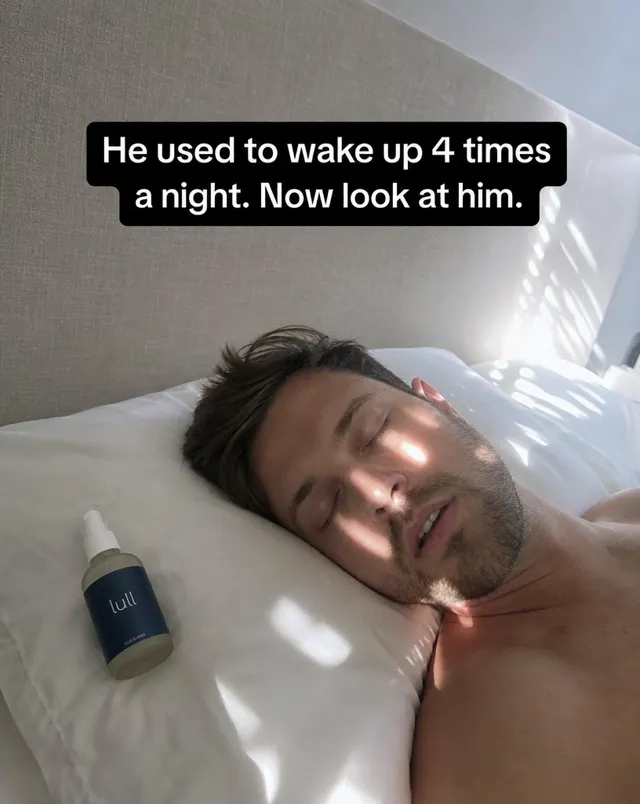
H2
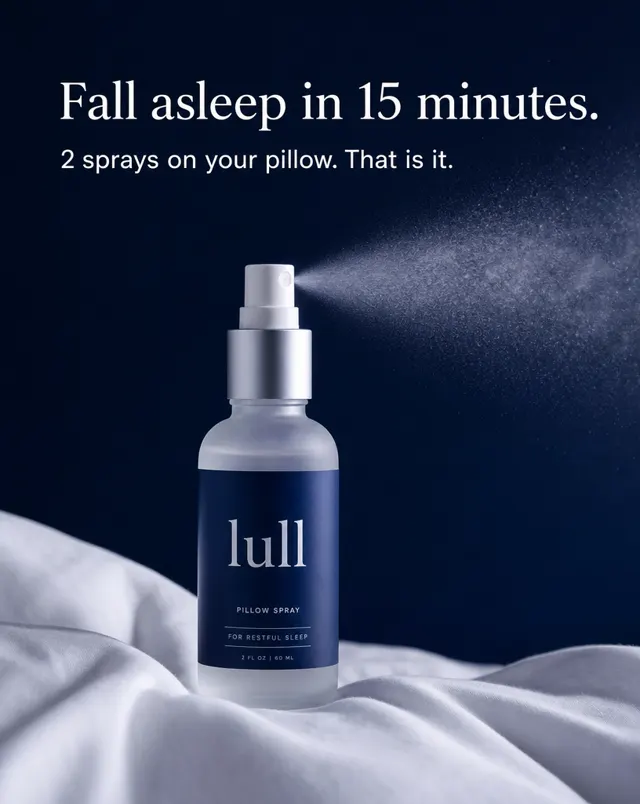
H3
Every top model. One place.
Make images and videos with 16 models from one prompt bar. Add your product photos, call them by name, and pick a style. Or let your AI agent make the whole batch, with our trained prompt skills for realistic and animated images and videos.
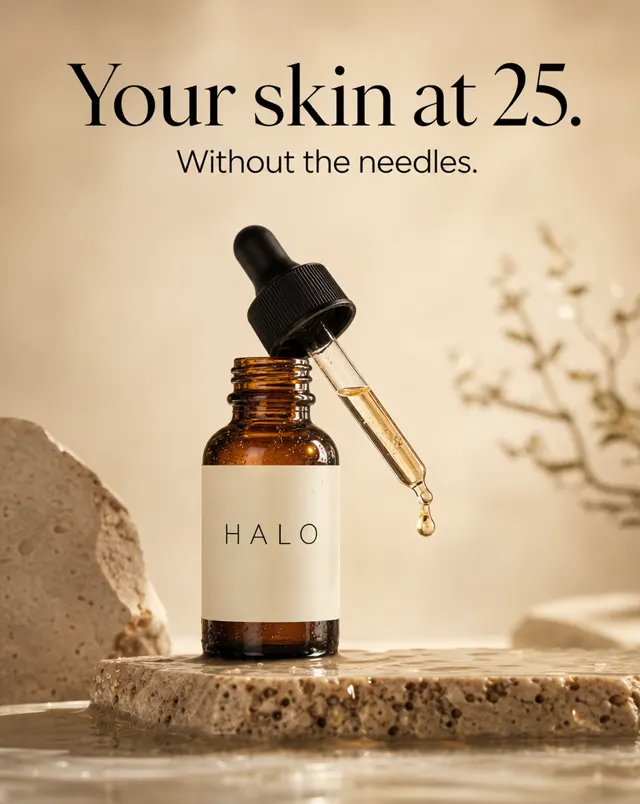
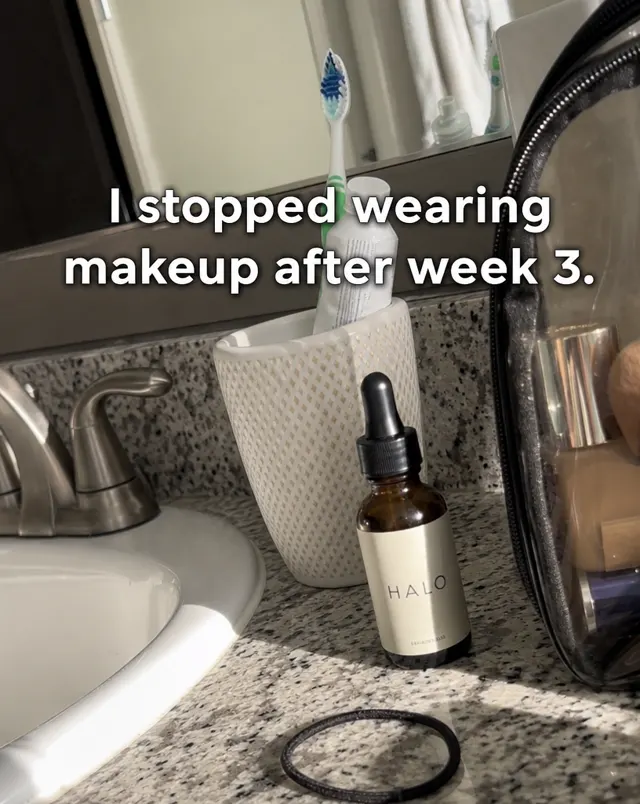
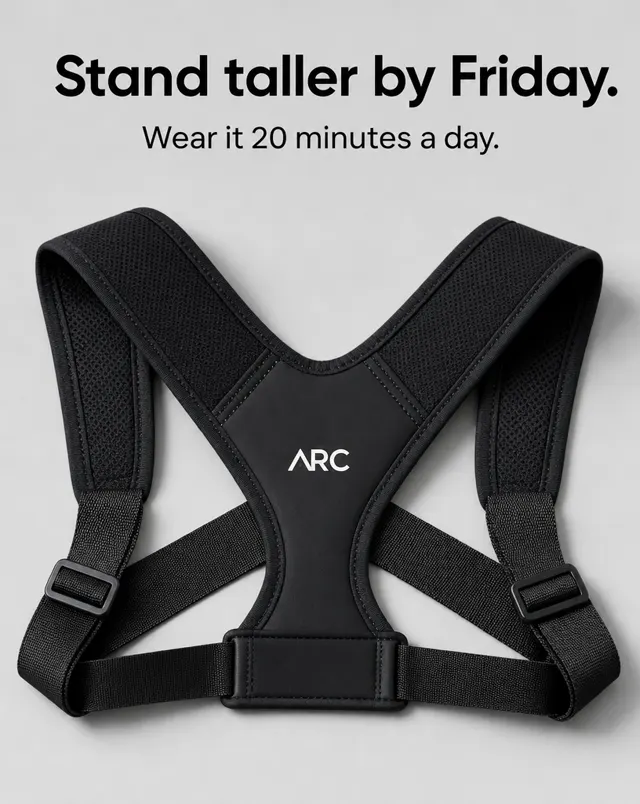
@Image 1 on wet stone, one gold drop falling, warm studio light
ModelGPT Image 2
StyleProfessional
Generate
- GPT Image 2
- GPT Image 2.5 Sunburst
- GPT Image 2.5 Flare
- Nano Banana 2
- Nano Banana 2.1
- Nano Banana Pro
- Seedream 5.0 Pro
- Seedream 5.0 Flash
- Seedream 5.0 Lite
- Gemini Omni Flash 1.1
- Seedance 2.5
- Seedance 2.0
- Kling 4.0
- Kling 3.0
- Kling 3.0 Turbo
- Grok Imagine Video 1.5
- Native
- A secret iPhone shot. First person, natural light.
- Professional
- A studio product photo. Clean and sharp.
- Unprofessional
- A casual iPhone snap, taken without a purpose.
- Add your product photos and call them in the prompt as @Image 1, @Image 2.
- Turn any image into a video clip that starts or ends on it.
- Your agent makes a whole batch of hooks and bodies, named and in order.
- Click Regenerate on any clip, say what to change, and your AI redoes it.
Bulk upload your ads.
- Drop in the whole batch.
- Upload up to 50 ads at once, then drag them into ad sets so every batch stays organized.
- Write it once. Copy it to all.
- Fill in the primary text, headline, description and button on one ad, then copy it to every ad in the batch.
- Your AI agent launches it.
- Pick your ad account, campaign and schedule, then click Launch Ads. Your AI agent builds it all in your own Meta account through Meta's official connector.
Lull 1Shop Now
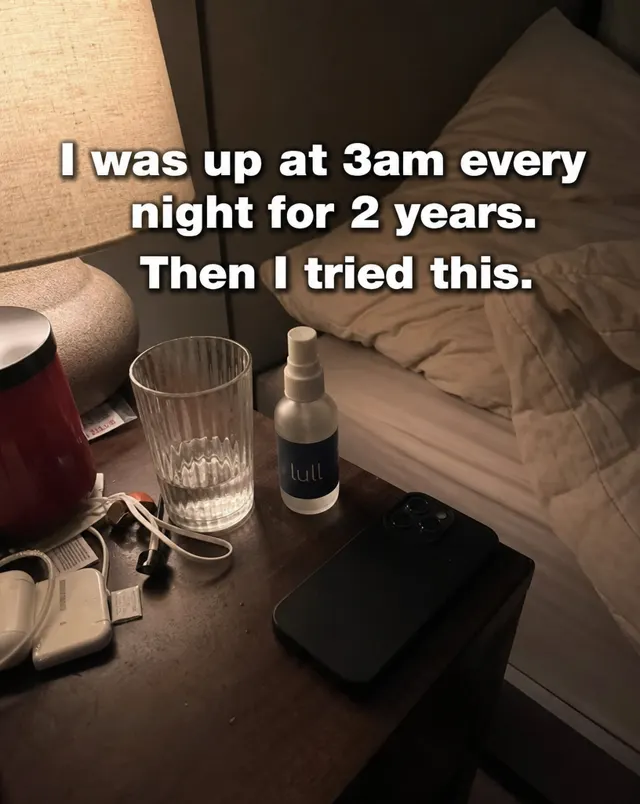
Halo 1Shop Now
Arc 1Learn More

3 ads launched.
Built for ads that run.
- Every download is clean.
- Every file comes out with the hidden AI tags removed: C2PA, EXIF, XMP and IPTC. The pixels stay exactly the same. The Clean tab does it for any file, right in your browser.
- Everything in your Library.
- Every image and video you make is saved in one place. Rerun any past job with its exact settings.
- Your keys. No markups.
- Create Studio runs on your own AI keys. You pay the providers direct, at their prices. We never mark up a single credit.
H1.png1.1 MB
Download
Clean. Every frame untouched.
The place to make
Start free trial
3 days free, then $29.95 every 30 days. Cancel anytime.